Hi, I'm Anya - gentle, friendly tech support.
I can help you feel confident using your technologies, build simple apps and website, and organize your digital life.
I also make tiny clay critters.Curious about how to navigate living in a world with Artificial Intelligence? Check out my A.I. harm-reduction workshops: Human-Bot Workshops


What I can help with
- Organizing your digital life
- Learning your devices
- Setting up simple automations
- Building websites or digital tools
- Understanding A.I.
- Creating sustainable digital routines
- Panic-free troubleshooting
- Making tech feel like a tool instead of a threat
Testimonials... coming soon :)
Anya combines analytical rigor with genuine care, turning messy systems into clear, accessible processes that make life easier for both staff and guests. - John Coleman, Taos Ski ValleyI have had the pleasure of working with Anya and consistently admired their ability to make technology approachable and easy to understand.
They are patient, knowledgeable, and genuinely commited to helping others find practical solutions to their tech challenges.
Anya combines technical expertise with excellent communication skills, making them an incredible resource for individuals at all levels! I highly recommend their services to anyone looking for tech support made fun!
- Madelynn Gonzales-Mascarenas, UNM-Taos HIVE
Pricing
I offer all services on a sliding scale so you can choose what feels fair based on your resources and the value you receive.
> $40 - $60/hr - for folks on a tighter budget
> $65 - $100/hr - standard rate for most projects
> $100 - $150/hr - for those with more financial flexibility or for complex, fast-moving projectsWe can figure everything out during a free consultation (up to 30 minutes)
How it Works
Step 1 - Free consultation
We meet online for up to 30 minutes to talk about your needs, goals, and what kind of support would feel best. No pressure to commit to anything.Step 2 - Schedule sessions at your pace
We set up time together based on your availability and comfort. Sessions can be in-person, online, or a mix of both.Step 3 - Work together toward your goal
We collaborate to untangle the problem, build confidence, and create systems that work for you and feel aligned with your values.Step 4 - Follow-up check-in
After some time has passed, we reconnect to see how things are going, celebrate progress, and decide whether more support would be helpful.
Contact
Let's talk about what you need.
You can book a free 30-minute consultation to see if we're a good fit and to figure out what rate makes sense for you.
Or send me an email:
Digital Wellness Workshop
Part 1: Digital Decluttering
Coming soon: a video on managing digital clutter, organizational structures for maintaining and finding digital files, and building a flowchart for what to do with a new file.
Part 2: Computer Care
BITCURE will help you take care of your devices.

Battery: does not like extremes.

Installs: only install what you need and uninstall what you don’t use.

Tidying: keep at least 20% of memory available for use.

Check yo’ startup: check for vampire programs.

Updates: always security updates, maybe others.

Ransomware: approach unexpected messages carefully.

E-Waste: recycle your electronics.


Part 3: Protecting Privacy
Be wary of the digital imp that follows you around and collects data about everything you do using your digital technologies. Anything you do with an internet-enabled device might be tracked and aggregated alongside other people's data to influence your behavior.

Part 4: Data Feminism
The seven principles of data feminism as described in Data Feminism by Catherine D'Ignazio and Lauren F. Klein. Images and summaries are my interpretation.1. Examine Power:
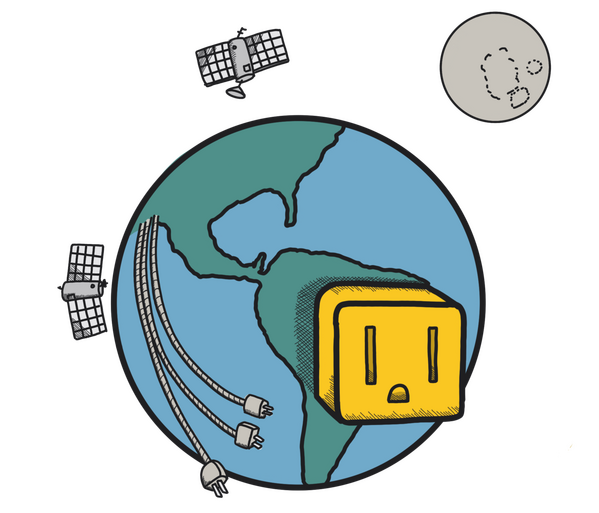
Consider structures of power and how power flows. How does the flow of information contribute to empowerment of some and disempowerment of others? In what ways are data and technology being used to influence and control?
2. Challenge Power
Find ways to disrupt and dissolve power structures. How can localized data be used to disrupt power structures in favor of community? What are some tools that can empower community members to act on their own behalf rather than in service of distant organizations or power-hoarding entities?

3. Elevate Emotion and Embodiment.
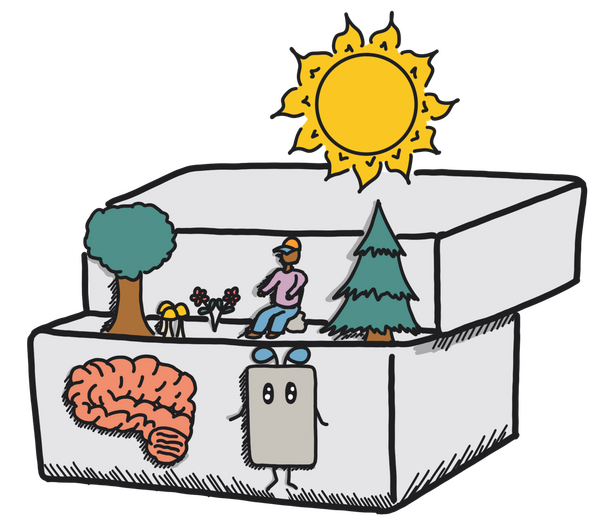
Consider the embodiment of consciousness and the ways in which life forms interact within physical ecosystems. In what ways can culture and technology prioritize thinking over being? How can our observations of the world elevate our role within our ecosystems rather than as a separate entity?
4. Rethink Binaries and Hierarchies
Reconsider the validity of reducing complex entities into simplified categories and ranking the categories according to a human-designed hierarchy. What information is lost when beings are categorized? What sort of relationships are possible outside of hierarchy?

5. Embrace Pluralism
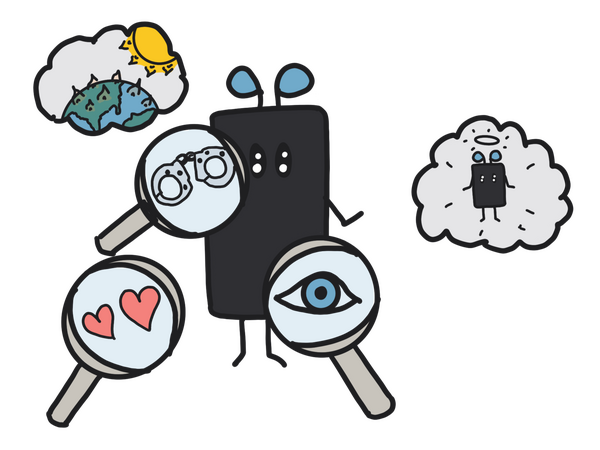
Consider how our understanding of the world is comprised of different perspectives and ways of making sense of reality. What can different ways of existing in the world contribute to a collective understanding? How can we learn from every being rather than prioritizing a limited set of ideas and perspectives?
6. Consider Context
Consider the context in which observations are made. Removed from context, data can be used to tell any sort of story according to the interests of the teller. What can be learned by understanding the context in which observations are made? How can data better reflect the complexity of reality?
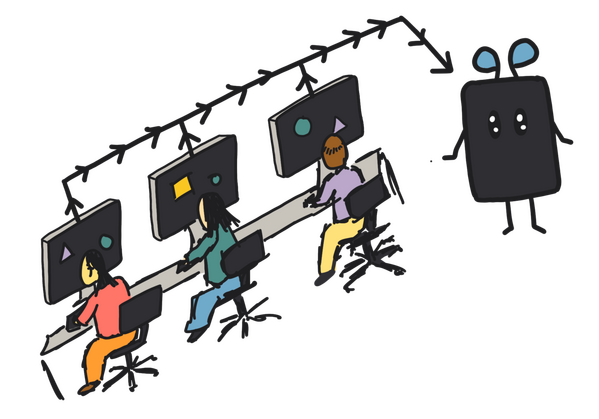
7. Make Labor Visible
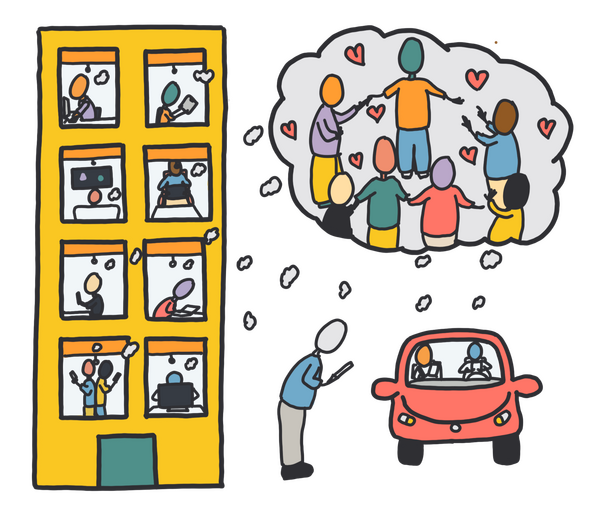
Consider how modern digital technologies hide the labor and effort that go into not only making them but also into the services that they facilitate. What sort of human labor powers Artificial Intelligence via data annotation, content moderation, and training? Whose work is being hidden under layers of code and fancy gadgetry? How can data collection and presentation reflect all of the labor that went into creating a technology?
About Anya

I’m Anya (they/them), friendly neighborhood tech helper who loves working with people and computers (also people pretending to be computers, but not computers pretending to be people). I've got a fancypants degree (PhD) in Human-Computer Interaction, and I’ve spent a lot of time helping folks make websites, coaxing printers back into printing, and identifying the source of that terribly annoying beeping noise.My approach is collaborative and compassionate. I join you where you are, move at a pace that feels right for you, and do my best to make things clear, approachable and friendly. If something feels confusing, overwhelming or overly technical, that’s normal - don’t panic - we’ll figure it out together.While I don’t use social media myself - I’m trying to be mindful about my addictive tendencies (and gentler on my nervous system) - I’d be happy to help you set up accounts, plan simple campaigns, or build automations that support your work without overwhelming you.When I’m not helping people with tech, I’m out adventuring (hiking, trail running, biking, climbing, or stopping any one of those activities to look at mushrooms), making tiny clay critters, or drawing cute little characters to help explain weird abstract ideas about how the world may or may not work.